
Linux Security Concepts and Best Practices: Protecting Your System from Threats
Explore Linux security concepts including access control, SELinux, AppArmor, firewalls, encryption, and best practices to safeguard your system from unauthorized access and attacks.

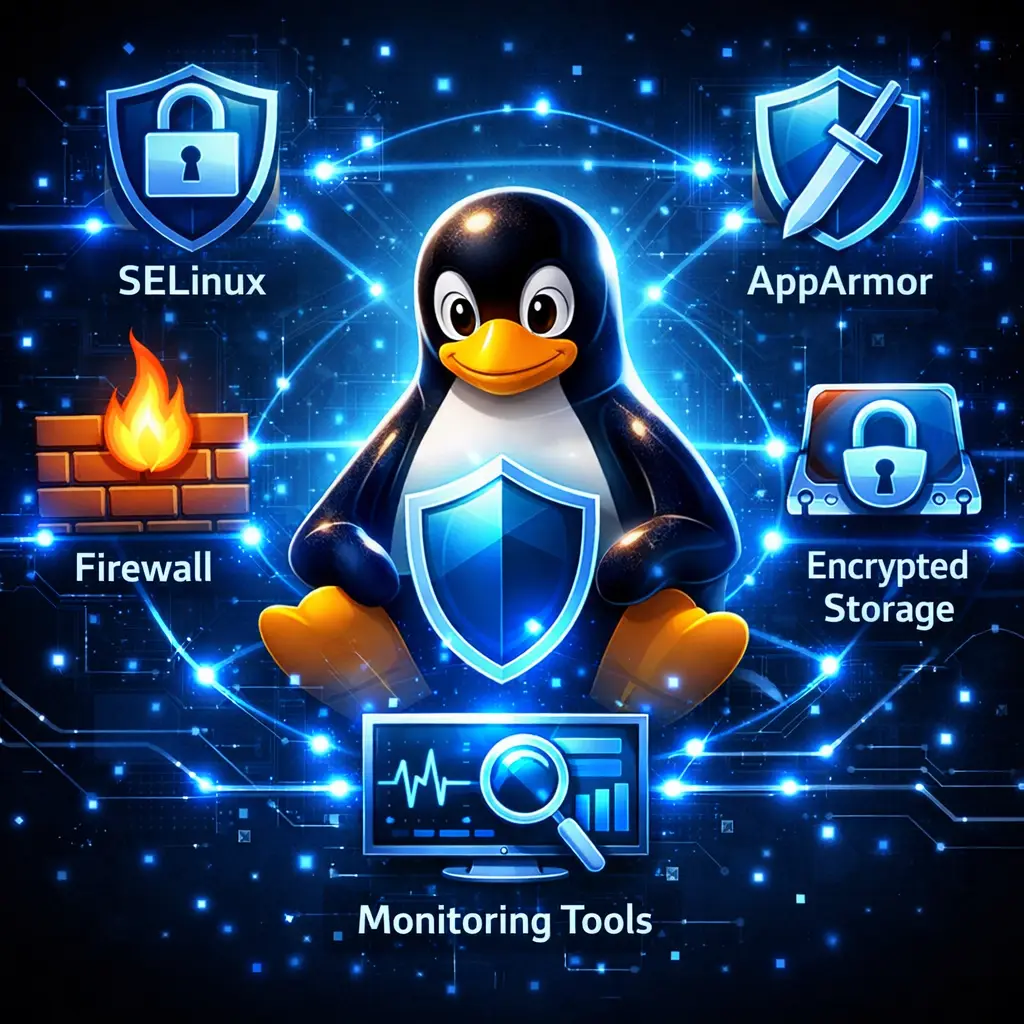
Linux is renowned for its robustness and security, but ensuring a system remains safe from unauthorized access and cyberattacks requires more than default installation. Understanding the core security concepts and implementing best practices are essential for administrators, developers, and users alike. This guide provides a practical overview of key Linux security concepts — including access control, SELinux, AppArmor, firewalls, and encryption — along with actionable strategies to secure your environment.
Why Linux Security Matters
Linux powers critical infrastructure, cloud platforms, and personal devices worldwide. Its security features provide a solid foundation, but misconfigurations or neglect can still expose systems to attacks. Strengthening Linux security helps:
- Prevent unauthorized access to sensitive files and data
- Safeguard system integrity against malware or exploits
- Ensure compliance with organizational and regulatory standards
- Protect against network and application-level vulnerabilities
By understanding Linux security concepts and following best practices, users can create highly resilient systems.
Core Linux Security Concepts
1. Access Control
Linux access control ensures that users and processes can only interact with files and system resources as permitted. It includes:
- Discretionary Access Control (DAC): Users assign permissions (read, write, execute) to files and directories.
- Mandatory Access Control (MAC): Systems like SELinux and AppArmor enforce stricter policies that users cannot override, limiting potential damage from compromised accounts.
Effective access control reduces risk by restricting unauthorized access to critical resources.
2. SELinux and AppArmor
Mandatory Access Control systems add an extra layer of security.
- SELinux: Uses labels on files and processes to enforce security policies, providing fine-grained control over what each process can do.
- AppArmor: Works with profiles assigned to applications, defining which resources they can access. It is typically easier to configure than SELinux and widely used in Ubuntu and openSUSE.
Both tools are critical for hardening Linux systems against privilege escalation and unauthorized process behavior.
3. Firewalls
Firewalls control inbound and outbound network traffic, blocking unauthorized connections. Key Linux firewall tools include:
- iptables – Classic, command-line tool for defining packet filtering rules
- nftables – Modern replacement for iptables, offering more flexible rule management
- UFW (Uncomplicated Firewall) – User-friendly front-end for iptables, ideal for beginners
A properly configured firewall reduces attack surfaces by restricting network access to only necessary services.
4. Encryption
Encryption protects data at rest and in transit, ensuring sensitive information remains secure even if devices or communications are intercepted.
- Disk Encryption: LUKS/dm‑crypt protects stored data
- File Encryption: GnuPG and other tools encrypt files individually
- Network Encryption: SSH, VPNs, and TLS secure data transmitted over networks
Encryption ensures confidentiality and protects against data theft.
5. Logging and Monitoring
Continuous monitoring helps detect suspicious activity and respond to threats in time:
- System Logs: Track user activity, authentication attempts, and errors
- Security Auditing Tools: Tools like Lynis or OSSEC provide insights into system vulnerabilities and compliance issues
- Intrusion Detection Systems (IDS): Monitor network and host activity to flag anomalies
Monitoring and auditing are essential components of proactive security.
6. System Hardening and Best Practices
To maximize Linux security, follow these best practices:
- Keep systems updated: Regularly install security patches
- Limit user privileges: Apply the principle of least privilege
- Use strong authentication: SSH keys, two-factor authentication, and complex passwords
- Enable SELinux or AppArmor in enforcing mode
- Disable unused services and ports to reduce attack surface
- Backup critical data and test recovery procedures regularly
- Implement sandboxing for risky applications (e.g., Firejail)
Adhering to these guidelines strengthens resilience against both external and internal threats.
Advanced Linux Security Measures
For high-security environments, consider:
- Kernel Hardening: Enable features like ASLR, stack protection, and secure boot
- Secure Boot: Verifies signed bootloaders and kernels to prevent boot-level malware
- Hardware Security Modules (HSMs) and TPM: Provide tamper-resistant storage for cryptographic keys
- Automation and Policy Enforcement: Use tools like Ansible and CIS Benchmarks to enforce consistent security configurations
These advanced measures provide additional layers of defense against sophisticated attacks.
Conclusion
Linux security is multifaceted, combining access control, mandatory enforcement via SELinux or AppArmor, firewalls, encryption, monitoring, and systematic hardening. Understanding these concepts and implementing best practices equips users and administrators to protect their systems from unauthorized access, malware, and breaches.
By prioritizing continuous learning and proactive management, Linux systems can maintain a strong security posture suitable for personal, enterprise, and cloud environments.