Mastering Windows Updates with PowerShell: A Comprehensive Guide

Learn how to manage Windows Update using PowerShell — check, install, automate, and troubleshoot updates with scripts and commands on Windows 10 and 11.
Your Home For All News

Learn how to manage Windows Update using PowerShell — check, install, automate, and troubleshoot updates with scripts and commands on Windows 10 and 11.
Discover why Windows Update keeps failing and how to fix it — complete troubleshooting guide for Windows 10 and 11, including error codes, reset methods, system repairs, and manual installation tips.
Learn what Copilot is, how it works, and why Microsoft’s AI assistant matters — from Windows integration to Microsoft 365, developer workflows, and productivity enhancements.
Learn how to check what Windows update your PC is on, including version and build number, view update history, and stay current on Windows 10 and 11.
Learn how Windows updates help reduce carbon emissions by improving energy efficiency, smart delivery, and performance‑optimizing features — and what you can do to make your PC greener.
Does Windows Update take long? Discover what affects update duration, how long common updates take, and tips to speed up Windows 10 and Windows 11 updates.
Learn what Windows Update Assistant is, how it works, and how to use it to manually install major Windows feature updates with step‑by‑step instructions and troubleshooting tips.
Fix the “Windows Security can’t be started” error on Windows 10 and Windows 11 with this complete troubleshooting guide — including service checks, system repairs, registry fixes, and reset options.
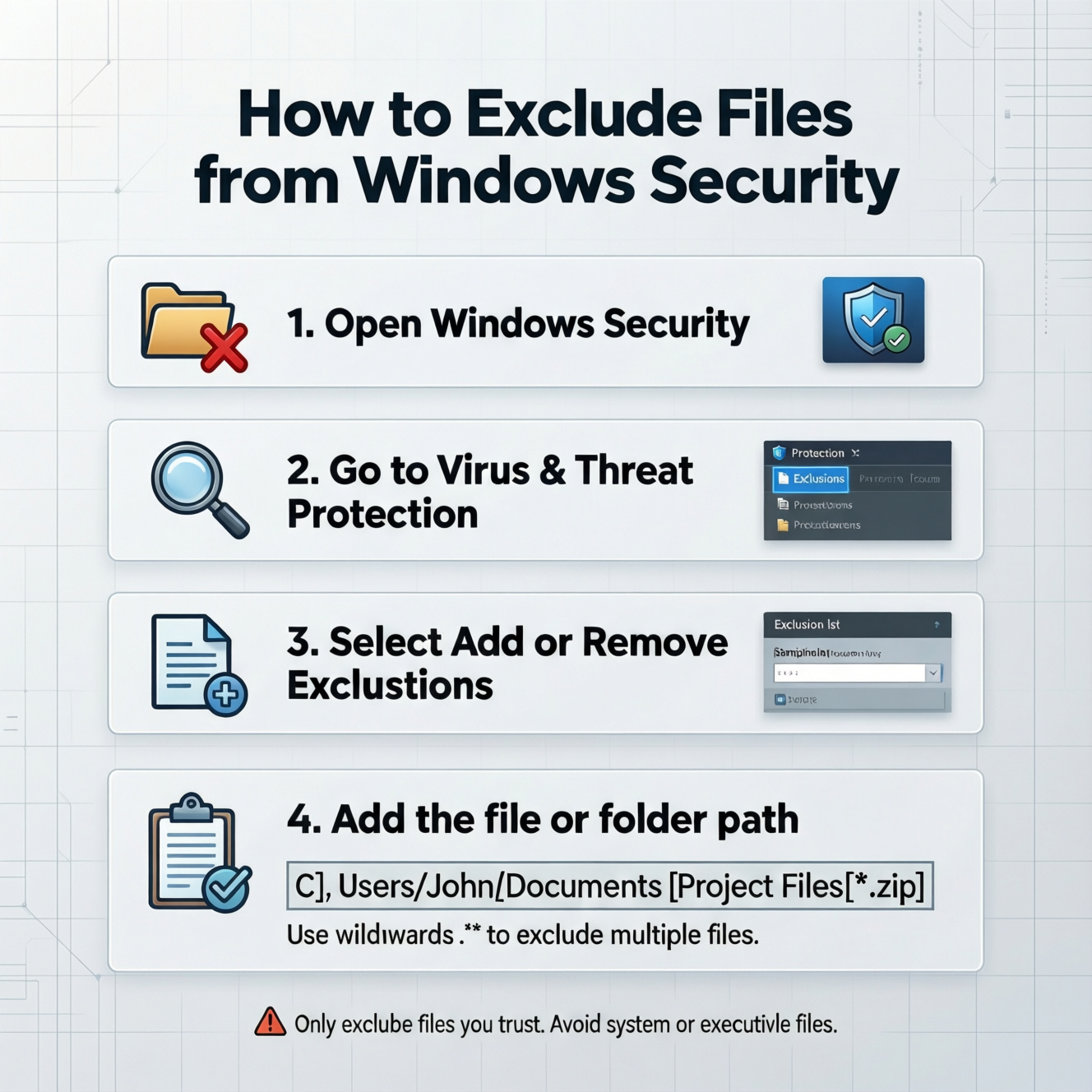
Learn how Windows Security works on Windows 10 — built‑in protection with Microsoft Defender Antivirus, firewall, ransomware defenses, and best practices for keeping your PC secure.
Learn how to disable Windows Security (Microsoft Defender) on Windows PCs — including temporary and permanent methods, Group Policy, registry changes, and important risk warnings.