
Technology can feel confusing at times, especially when something changes on your screen and you are not sure why. One day everything looks clear, and the next day a dark area or uneven shade appears without warning. If you are dealing with a computer screen shadow problem, you are not alone. Many people notice this issue and worry that their computer is failing. The good news is that most screen shadow issues are easier to understand than they seem. With a little patience and clear guidance, you can figure out what is happening and decide what to do next. This article is here to explain things calmly, without technical pressure, and help you feel comfortable handling your screen again.
Understanding the computer screen shadow problem in simple terms
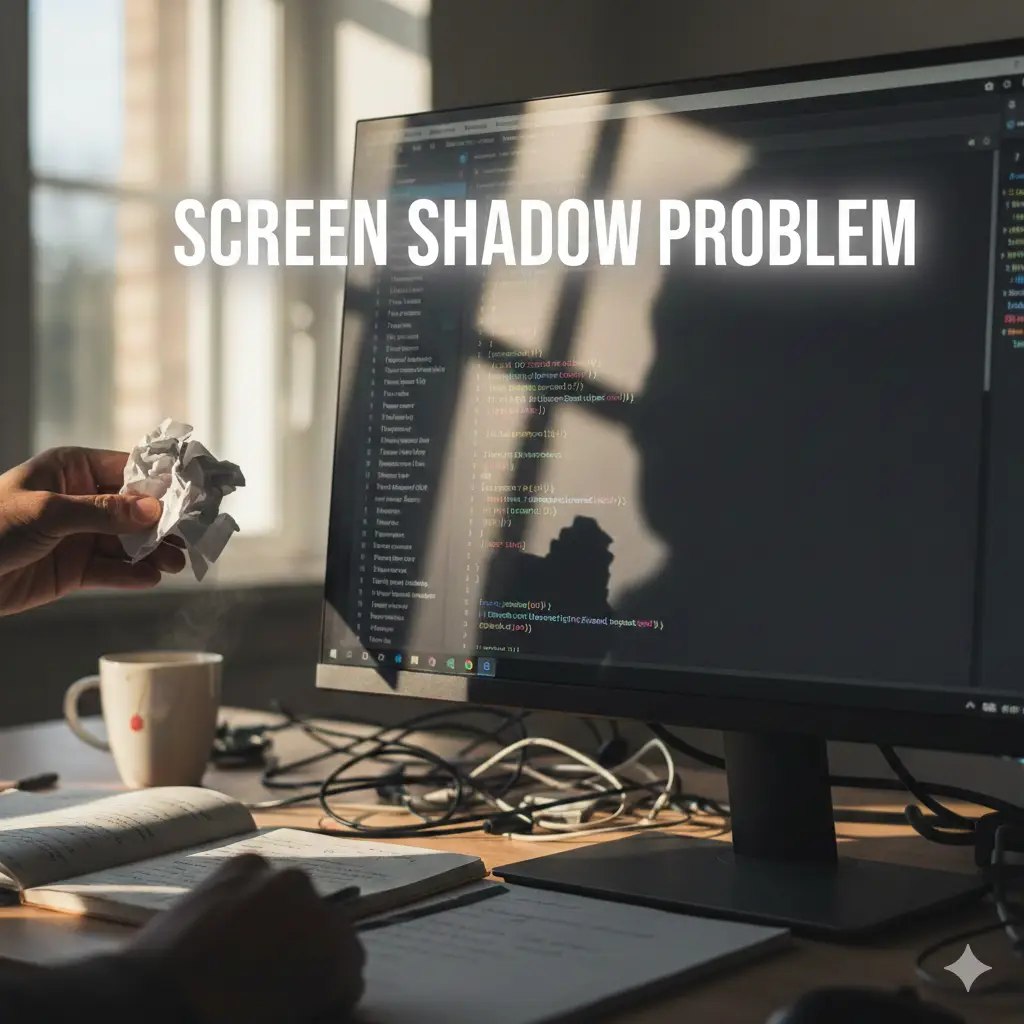
A computer screen shadow problem usually shows up as a darker area on part of the display. It might appear along one edge, in a corner, or slowly spread across the screen. Sometimes it looks like a soft gray patch, while other times it feels more defined and distracting. This does not always mean the screen is broken. Screens rely on layers working together, including lighting, panels, and connections.
When one part of that system changes, shadows can appear. Think of it as uneven light rather than a crack or damage. Understanding this helps remove fear and makes it easier to focus on solutions.
Why a shadow on monitor often appears suddenly
A shadow on monitor issues can feel sudden, even if the cause has been building over time. One common reason is backlight aging. The light that brightens your screen does not always fade evenly. When certain areas weaken, darker sections become noticeable during normal use.
Another reason could be pressure or heat. Laptops especially can develop display irregularities if they are closed tightly or used for long hours without breaks. Even a loose internal cable can affect how the image is shown. These causes sound serious, but many of them are manageable once identified.
What causes a dark shadow on computer screen during use
A dark shadow on computer screen problems often appear more clearly when viewing light backgrounds. White pages or bright apps make shadows easier to spot. This usually points to backlight or panel issues rather than software errors.
In some cases, graphics settings can exaggerate the problem. Brightness, contrast, or night mode settings may make uneven lighting more noticeable. Before assuming hardware failure, it is worth checking display settings and restarting the device. Small adjustments sometimes reduce the shadow enough to make daily use comfortable again.
When shadows on monitor are linked to hardware wear
Shadows on monitor displays can develop as devices age. Screens are built to last, but they are not permanent. Over time, internal components wear down, especially if the device is used daily for work or study.
This type of wear does not mean the computer is unusable. Many people continue using their screens with mild shadows for years. Knowing the cause helps you decide whether to repair, replace, or simply adjust how you use the device. Clarity brings peace of mind.
How software settings can create a shadow on computer screen
A shadow on computer screen is not always a hardware problem. Software features like dark mode, color filters, or accessibility settings can sometimes create the appearance of uneven shading. This is especially true if the shadow appears and disappears depending on what you are viewing.
Updating your operating system or graphics driver can also change how colors and light are displayed. If the shadow started after an update, it may be related to software rather than physical damage. Checking settings first is always a calm and sensible step.
Simple checks before assuming a serious computer screen shadow problem
Before worrying too much about a computer screen shadow problem, try a few gentle checks. Restart the computer and see if the shadow remains. Adjust brightness slowly and observe if the dark area changes shape or intensity.
Connecting your computer to an external monitor can also help. If the external display looks normal, the issue is likely limited to the built in screen. These small steps give you information without stress and help narrow down the cause.
When a monitor shadow fix is possible at home
A monitor shadow fix at home is sometimes possible, depending on the cause. Cleaning the screen gently can remove marks that look like shadows. Adjusting display settings can also make a noticeable difference.
If the issue comes from pressure points, changing how you open and close a laptop may help prevent it from worsening. While not every shadow can be fixed without repair, many can be managed well enough to avoid immediate replacement. Small actions often lead to small but useful improvements.
Knowing when professional help makes sense
There are times when a computer screen shadow problem needs professional attention. If the shadow grows darker, spreads quickly, or affects visibility significantly, a technician can assess whether repair is worth it.
Understanding this does not mean you need to rush. Screens rarely fail overnight. You have time to observe, compare costs, and decide calmly. Being informed helps you make choices without pressure or confusion.
Living comfortably with a computer screen shadow problem
Many people live with a computer screen shadow problem and continue working, browsing, and watching content without major trouble. Adjusting brightness, using darker backgrounds, or positioning windows thoughtfully can reduce distraction.
Technology does not need to be perfect to be useful. Accepting minor flaws while staying informed helps reduce stress. Your computer is a tool, and learning how it behaves makes using it feel less intimidating.
Feeling confident and calm around screen issues
A computer screen shadow problem can feel worrying at first, but understanding what causes it brings reassurance. Screens are complex, and small changes in light or settings can create effects that look serious but are manageable. By checking settings, observing patterns, and knowing when to seek help, you stay in control. Technology becomes less mysterious when explained clearly and patiently. Even when issues appear, you now know how to respond calmly and confidently. That confidence matters more than perfection and allows you to keep using your device with ease.
Keywords
computer screen shadow problem, shadow on monitor, dark shadow on computer screen, shadows on monitor, shadow on computer screen, monitor shadow fix, screen discoloration issue, laptop screen shadow, uneven brightness on monitor, display shadow issue
Frequently Asked Questions
Why does my computer screen have a shadow on one side
This usually happens because the backlight inside the screen is not lighting evenly anymore. Over time, parts of the screen can become dimmer, which creates a shadow effect. Pressure on the screen or internal cable issues can also cause this.
Can a computer screen shadow problem be fixed without replacing the screen
In some cases, yes. Adjusting brightness, contrast, or color settings can reduce how visible the shadow is. If the issue is caused by software or display settings, updating drivers or resetting display preferences may help.
Is a shadow on monitor a sign of serious damage
Not always. A shadow does not automatically mean the screen is failing. Many screens develop mild shadows as they age and still work fine for daily use. Serious damage usually comes with flickering, lines, or complete black areas.
Does overheating cause shadows on monitor screens
Heat can contribute over time, especially in laptops. Long hours of use without breaks can affect internal components, including the display panel, which may result in uneven lighting.
Should I replace my monitor if I see a dark shadow on computer screen
Replacement is only necessary if the shadow interferes with your work or keeps getting worse. If the screen is still usable and comfortable, many people choose to continue using it without immediate repair.
Conclusion
A computer screen shadow problem can feel stressful at first, especially if you are unsure what caused it. The good news is that most screen shadows develop slowly and are not an emergency. By understanding why shadows appear, checking basic settings, and watching how the screen behaves over time, you can make calm and informed decisions. Technology does not have to be intimidating when explained clearly. Even with small imperfections, your computer can still serve you well. Feeling confident around these issues helps you stay relaxed and in control when using your device every day.