
Linux Security Patches: What They Are, Why They Matter, and How to Manage Them
Understand Linux security patches — what they are, why they matter, and how to check and apply them. Learn best practices for effective patch management and system protection.

Security patches are one of the most important components of maintaining a secure and resilient Linux system, whether you’re running a personal desktop, a production server, or cloud infrastructure. Linux security patches fix vulnerabilities that attackers could exploit, improve system stability, and close gaps in the operating system and its software stack.
This article explains what Linux security patches are, how they are distributed, why timely patching matters, and how you can effectively manage security updates on your systems
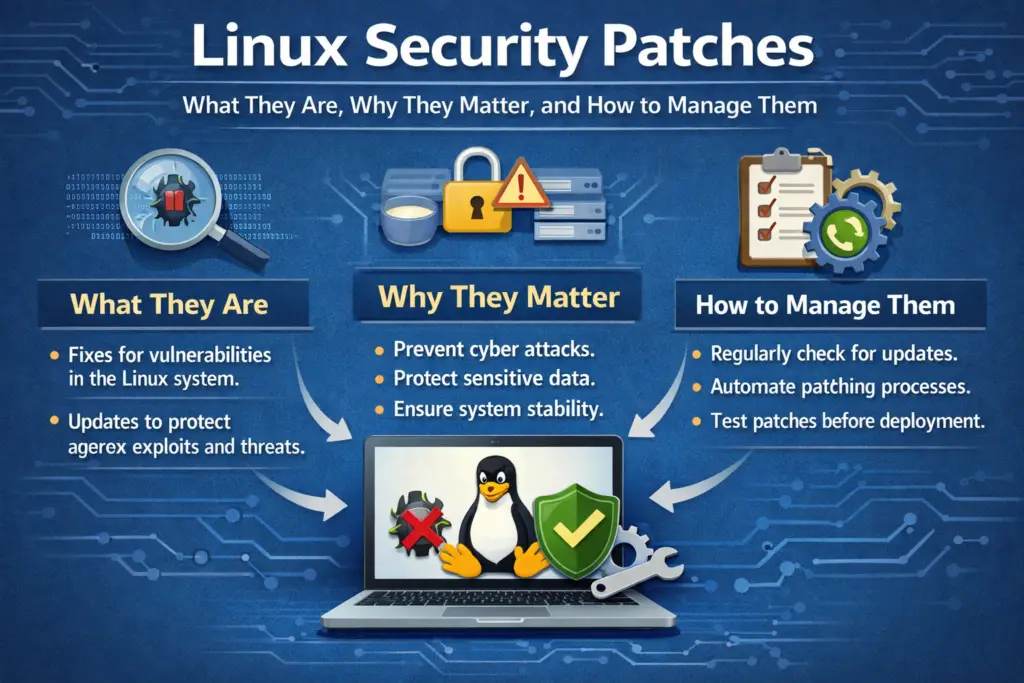
What Are Linux Security Patches?
A security patch is a specific type of software update designed to repair a vulnerability that could be used to compromise system integrity, confidentiality, or availability.
These patches can come from:
- The Linux kernel
- System libraries
- Service daemons (SSH, web servers, database servers)
- Installed applications and utilities
Security patches differ from general feature updates in that their main purpose is to close security holes rather than introduce new functionality.
Why Security Patches Are Critical
Security patches matter because:
1. They Address Known Vulnerabilities
Malicious actors continuously scan for known weaknesses in software. Patches close these gaps before attackers can exploit them.
2. They Prevent System Compromise
Unpatched systems are frequent targets for automated attacks, including:
- Rootkits
- Remote code execution exploits
- Privilege escalation
- Denial of service vectors
3. They Support Compliance and Best Practices
For environments governed by regulatory standards (e.g., PCI DSS, HIPAA), prompt patching is an operational requirement.
4. They Improve Stability and Compatibility
Security patches often come bundled with fixes that enhance overall software reliability.
How Linux Distributions Deliver Security Patches
Linux distributions package and distribute security patches differently depending on their release model:
Debian and Ubuntu
- Security patches are delivered through the APT package management system
- The security repository (e.g.,
security.ubuntu.com) holds packages designated as security updates - Tools like
unattended‑upgradescan automate patch application
Fedora and Red Hat (RHEL)
- Patches are provided via
dnf/yumpackage managers - RHEL distributes long‑term patches with enterprise support
- Extended Update Support (EUS) or Extended Life Cycle Support (ELS) can delay feature updates while still providing security patches
Arch Linux
- Rolling release model delivers updates continuously, including security patches as part of the regular update stream
OpenSUSE / SUSE
- Uses
zypperfor updates - Security patches may be tagged and visible in update listings for filtering
Regardless of distribution, security patches generally integrate seamlessly into the system’s package manager.
Checking for Security Patches
You can manually check for pending security updates using built‑in tools:
On Debian/Ubuntu
sudo apt update
sudo apt list --upgradable
Security updates are typically marked in the output.
On Fedora/RHEL
sudo dnf check-update
On Arch Linux
sudo pacman -Syu
Graphical software centers in many distributions also highlight security updates separately.
Applying Security Patches
Manual Patch Application
Use your package manager to install updates:
sudo apt upgrade
or
sudo dnf upgrade
Automatic Patching
Many servers benefit from automated patching:
Ubuntu Example:
Enable unattended upgrades:
sudo apt install unattended-upgrades
sudo dpkg-reconfigure --priority=low unattended-upgrades
RHEL/CentOS Example:
Use dnf‑automatic:
sudo dnf install dnf‑automatic
Then configure /etc/dnf/automatic.conf according to whether you want automatic install or notification only.
Automating security patches ensures you don’t fall behind — especially on critical servers.
Security Patches vs Feature Updates
Security patches and feature updates serve different roles:
| Update Type | Purpose | Impact |
|---|---|---|
| Security Patch | Fix vulnerabilities | Minimal or no new features |
| Feature Update | Add new capabilities | May introduce changes that affect workflows |
For production systems, some administrators choose:
- Immediate security patching
- Staged feature updates after testing
This minimizes risk while maintaining stability.
Best Practices for Managing Security Patches
1. Patch Frequently, Not Occasionally
Frequent patching closes vulnerabilities more quickly than infrequent big updates.
2. Test Patches in a Staging Environment
Before applying updates to production, test them to avoid regressions.
3. Prioritize Critical Vulnerabilities
Use your distribution’s documentation to identify high‑severity issues.
4. Monitor Patch Notifications
Subscribe to mailing lists (e.g., distro security announcements) for timely advisories.
5. Automate Where Practical
Automated patch systems reduce human error and oversight.
Handling Kernel Security Patches
Patching the Linux kernel itself is critical but sometimes disruptive, as it generally requires:
- A reboot
- Rebuilding kernel modules (e.g., third‑party drivers)
Use kernel live patching tools when possible:
- kpatch (Red Hat)
- kgraft (SUSE)
- livepatch (Ubuntu)
Live patching applies certain security fixes without rebooting — ideal for high‑availability environments.
When Security Patches Fail
If a patch fails to install:
- Review logs in
/var/log/apt/or/var/log/dnf.log - Ensure package repositories are reachable
- Check disk space and filesystem integrity
- Look for conflicting or held packages
Understanding how your package manager logs operations helps diagnose issues quickly.
The Human Element: Education and Policy
Even with automated patching, human factors matter:
- Define clear patching policies
- Assign responsibilities and maintenance windows
- Track patch compliance and audit results
Tools like Ansible, Chef, and Puppet help enforce consistent patch policies across many servers.
Conclusion
Linux security patches are vital for protecting systems against known vulnerabilities and exploitation attempts. By understanding how security updates are distributed, how to check and apply them, and how to automate and manage patch workflows, you can maintain a robust security posture for personal systems or enterprise fleets.
Effective patch management is not just a technical task — it is a core part of operational security and risk reduction.