
Understanding Linux Security: A Clear, Practical Guide
Explore essential Linux security concepts — from access control and firewalls to SELinux, encryption, and best practices — and learn how to protect your system from unauthorized access and attacks.

Linux is one of the most widely deployed operating systems in the world — running servers, cloud infrastructure, embedded devices, and desktops alike. Its popularity stems not just from openness and flexibility, but also from a security model built for resilience, transparency, and control. However, many users and administrators find Linux security concepts abstract or complex until they see how the pieces fit together in practice.
This article breaks down the essential components of Linux security in straightforward language, explains why each matters, and offers clear steps to protect a Linux system from unauthorized access and attacks.
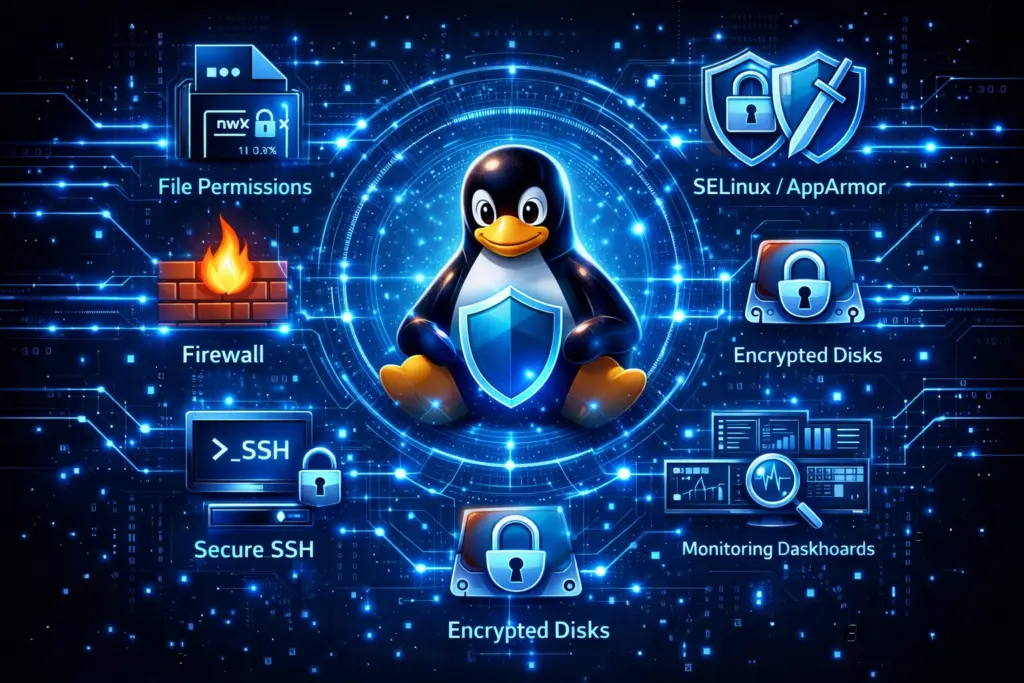
What Makes Linux Secure by Design
Linux security starts with intentional architectural decisions:
- Process and user separation — Each process runs with limited privileges unless explicitly elevated.
- Modularity — Security features like SELinux and AppArmor plug into the kernel without demanding fundamental changes.
- Open source auditability — Everyone can inspect, improve, and verify Linux code for security weaknesses.
Rather than relying on obscurity, Linux relies on transparent mechanisms that can be reviewed, tested, and hardened by professionals around the world.
Core Security Concepts in Linux
To understand Linux security, it helps to think in layers — each protecting against different classes of threats. Below are the foundational elements you should know.
1. Users, Permissions, and Ownership
Linux enforces strict separation between users and system resources.
Key Ideas
- User accounts — Each person or service gets a separate identity.
- File permissions — Read, write, and execute privileges are assigned to user, group, and others.
- Ownership: Files and processes track which user and group they belong to.
By default, even powerful users (including root) must explicitly use tools like sudo to change system files or escalate privileges. This reduces accidental misconfiguration and limits the impact of compromised processes.
2. Mandatory Access Control (MAC): SELinux & AppArmor
Basic file permissions can’t always stop sophisticated attacks. For deeper restrictions, Linux supports MAC systems:
SELinux (Security-Enhanced Linux)
- Policy-driven enforcement restricts what processes can do, beyond simple file permissions.
- It labels files and processes with security contexts.
- A policy defines allowed interactions: for example, whether a web server process can write to a particular directory.
SELinux is common on distributions such as Red Hat Enterprise Linux and Fedora.
AppArmor
- Defines per‑program profiles that constrain capabilities.
- Rather than labeling everything, AppArmor focuses on application behavior.
- It’s widely used on Ubuntu and openSUSE.
Both systems limit what compromised applications can do, even if a user account is exploited.
3. Firewalls and Network Defense
Network exposure is a significant attack surface for systems exposed to the internet.
Linux Firewall Tools
- iptables: Long‑standing firewall interface.
- nftables: The modern replacement, designed for better performance and simplicity.
- ufw (Uncomplicated Firewall): A user‑friendly front end to iptables or nftables, popular on desktops and small servers.
Firewalls filter incoming and outgoing traffic based on rules you define, restricting access to only trusted sources and services.
Best Practice
Deny all traffic by default and explicitly allow only the services and IP ranges your system needs to communicate with.
4. Encryption: Protecting Data at Rest and in Transit
Encryption ensures that sensitive data remains unintelligible if a device is compromised or a communication channel is intercepted.
At Rest
- LUKS/dm‑crypt: Full‑disk encryption for hard drives and SSDs.
- Filesystem encryption: Tools like
eCryptfsorfscryptprotect specific directories.
In Transit
- SSH: Secures remote login sessions.
- TLS: Encrypts web and application traffic.
- VPNs: Create secure tunnels over untrusted networks.
Preventing unauthorized reading of stored or transmitted data is essential, especially for servers and mobile devices.
5. Software Updates and Package Management
Outdated software is a common source of vulnerabilities. Linux distributions use package managers to deliver updates:
- APT for Debian/Ubuntu
- DNF/YUM for Fedora/RHEL
- Pacman for Arch
- Zypper for openSUSE
Regularly installing security updates ensures that known vulnerabilities are patched promptly.
Tip: Enable automatic security updates where appropriate.
6. Logging and Monitoring: Detecting Suspicious Activity
Security isn’t just about prevention — it’s about detection.
System Logs
Linux logs critical events (logins, errors, authentication failures) via:
- syslog
- systemd journal
Reviewing logs helps identify:
- Repeated failed login attempts
- Unexpected process crashes
- Unusual system behavior
Audit Tools
- auditd: Tracks and records low‑level system events.
- Log aggregation tools: Centralize logs from multiple machines (e.g., ELK stack).
Proactive monitoring lets you respond early to potential threats.
7. Advanced Hardening Techniques
Once the basics are in place, advanced defenses provide additional layers:
Kernel Hardening
- Enable protections like ASLR (Address Space Layout Randomization)
- Enforce restrictions on kernel module loading
Secure Boot
Validates that the bootloader and kernel are signed and trusted, preventing boot‑level malware.
Containers and Sandboxing
Using technologies like:
- Docker
- LXC
- Firejail
to isolate applications and reduce the impact of compromise.
Practical Security Best Practices
Here’s how to apply these concepts in real environments.
Follow the Principle of Least Privilege
Grant users and services only the access they absolutely need.
Use SSH Key Authentication
Replace passwords with key‑based SSH login to prevent brute‑force attacks.
Harden SSH Daemons
- Disable root login
- Change default ports
- Enable fail2ban for intrusion prevention
Disable Unused Services
Audit the services running on your system and stop unnecessary ones to reduce attack vectors.
Regular Backups
Implement scheduled backups stored securely and test restore procedures.
Quick Reference Checklist
| Area | Action |
|---|---|
| Access Control | Use strict file permissions and groups |
| MAC | Enable SELinux or AppArmor enforcing mode |
| Firewall | Define allow‑list rules, block unnecessary ports |
| Encryption | Encrypt disks and enforce TLS/SSH |
| Updates | Automate security patches |
| Monitoring | Configure logs and alerts |
| Hardening | Apply kernel and boot protections |
| Backups | Maintain tested restore points |
Summary
Understanding Linux security begins with its core principles — compartmentalization, explicit permissions, and strong defaults — but extends into deliberate configuration and continuous vigilance. By mastering access control, firewalls, encryption, authentication, monitoring, and system hardening, you can significantly reduce the risk of unauthorized access and attacks.
Linux’s power as a secure platform comes from how thoughtfully you configure and maintain it, not just from the features it ships with. Building a culture of security awareness and proactive defense ensures that your systems remain resilient, reliable, and ready for real‑world challenges.