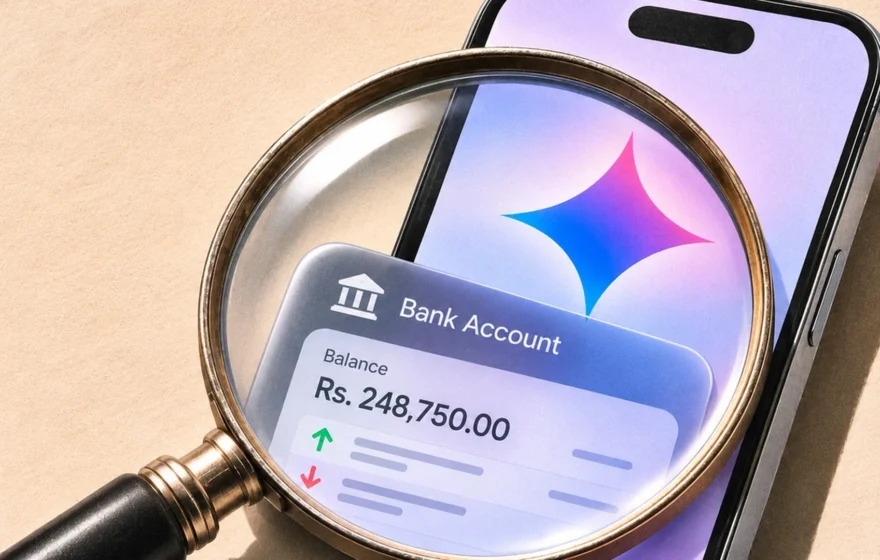
Google has given its Gemini chatbot a direct line into people’s bank accounts. Users in the United States can now connect Google Wallet to Gemini and ask it plain questions about their own money: how much they spent last month, which subscriptions quietly went up in price, and whether they can save a thousand dollars before the spring. The feature began rolling out on November 13 across Android, iOS and the web, and it is entirely optional. It is the most personal step yet in Google’s plan to turn Gemini into an assistant that genuinely knows its user.
Until now, Gemini’s personal touch came from the apps people already use every day. Its Personal Intelligence system could draw on Gmail, Google Photos, YouTube and Search to shape its answers. Wallet is the newest app on that list, and it reaches the one place most people guard most closely: what they spend.
Link Your Accounts
Switching the feature on takes a few taps. Wallet sits in Gemini’s Personal Intelligence settings, under Connected Apps, and once enabled a user can type @Google Wallet in a chat and start asking about their finances. On its own, Wallet gives Gemini sight of the payment methods, receipts and passes already saved there. For a fuller picture, users can link bank accounts and credit cards through Plaid, the financial data company behind thousands of banking apps. Plaid says loans and investment accounts can be linked too, letting Gemini answer from real transactions instead of general advice.
Personal Intelligence arrived with Google’s Pixel 10 phones last year and has been reaching users gradually ever since. A limited version of the Wallet connection surfaced in September, but this is the first time Google has opened it to all Gemini users in the United States. The slow pace is deliberate: each new app added to the list hands Gemini more of a person’s life, and Wallet tests how far people are willing to go.
See Where Your Money Goes
What Gemini does with the connection is closer to a personal finance adviser than a search box. It can review a quarter’s spending and draw up charts for cash flow, asset allocation and budgets, all inside the chat. One example Google gives is asking Gemini to look over the last three months and work out how to save a thousand dollars over the next three. It can also hunt down recurring charges, flag subscriptions that went up in price, and suggest a holiday budget based on last year’s spending on gifts and travel. It can even sum up the rewards and offers attached to cards and passes saved in Wallet.
The appeal is obvious. Most people have a rough idea of what they earn and a much vaguer idea of where it disappears to, and the usual fix is a spreadsheet, a budgeting app, or a long evening with bank statements. Gemini promises the same answers in plain language, without opening a single statement.
Your Money Stays Put
Google is careful to stress the limits of what it has switched on. Gemini has read-only access to linked financial data: it cannot make payments, transfer funds, or manage or invest money. Users can disconnect Wallet in Gemini’s settings at any time, or unlink individual accounts inside Google Wallet. Google also says Wallet data is not fed directly into training its generative AI models.
Read-only, though, does not mean unseen. Google’s own help pages warn users not to connect apps holding confidential information they would not want a reviewer to see, because some chats are read by human reviewers working to improve the service. Chats already reviewed are not deleted when a user clears their activity, and they can be kept for up to three years. Users can tighten the settings, and Plaid links can be removed separately at Plaid’s own site.
Who Gets It?
For now, the feature is rolling out in English to users in the United States aged 18 or older. It needs a personal Google account and the Keep Activity setting switched on. Work and school accounts are not eligible, and the integration does not work inside Gemini Live or Gems. Because the rollout is gradual, even eligible users may not see the option straight away.
The timing of the launch says as much about the industry as it does about Google. On the same day, OpenAI introduced ChatGPT Wallet, which goes further and lets its personal agents complete purchases once a user approves payment. Gemini deliberately stops at reading: an assistant that can see your bank balance is useful, but one that can spend it is a different proposition entirely.
For readers in Pakistan, the feature is not available yet, and Google has given no date for a wider rollout. Whether people hand their bank statements to a chatbot in exchange for a clearer picture of their finances will decide how far this journey goes. Google is betting that convenience wins, yet the opt-in switch, and the warning in its own help pages, show that it knows the answer is not settled.
