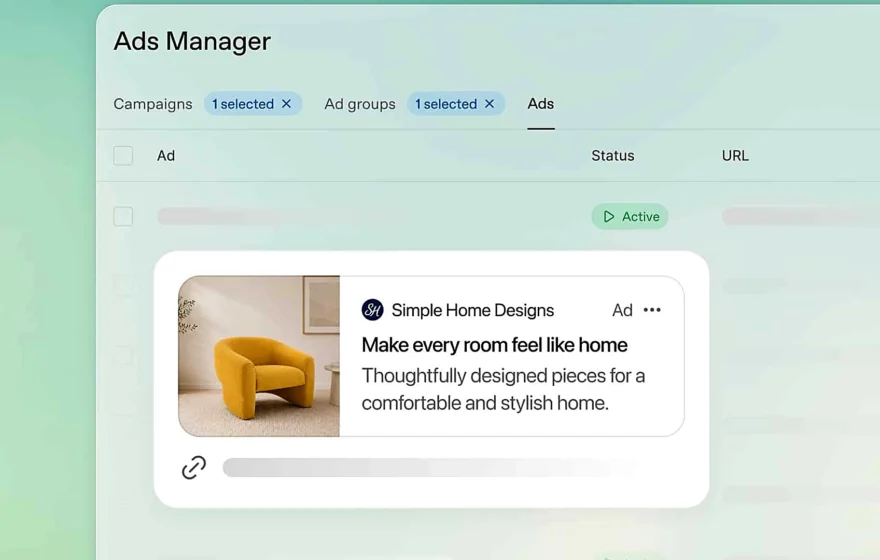
People in Pakistan using the free version of ChatGPT will now start seeing advertisements inside the chatbot, after OpenAI extended its advertising programme to the country. The company announced the expansion on October 21, 2026, adding Pakistan to a list of 26 additional countries where sponsored content is now available, taking the total number of countries with ChatGPT advertising to 89.
The change affects only a slice of ChatGPT’s users. Advertisements will appear for people on the Free and Go plans, while subscribers on the Plus, Pro, Business, Enterprise and Edu plans will continue to use the service without ads. For Pakistanis on the free tier, sponsored messages are about to become routine.
OpenAI has framed advertising as a way to keep the service free or low-cost for a wider audience, with sponsored content kept separate from the answers the chatbot generates. That separation is central to the company’s pitch: the ads, it says, do not change what ChatGPT tells you.
How ChatGPT Picks the Ads You See
Unlike the advertisements people are used to on social media, which are usually chosen from browsing history or app activity, ChatGPT can draw on the conversation itself. If someone is discussing smartphones, they may be shown advertisements for mobile devices, while a conversation about travel could bring up sponsored travel services. The advertisement appears below the chatbot’s response rather than inside the answer, a distinction OpenAI is keen to stress.
With ad personalisation switched on, earlier chats and ChatGPT Memory may also influence which ads appear.
Can Advertisers See Your ChatGPT Chats?
The key question is whether advertisers can read what users type into ChatGPT. OpenAI says they cannot. According to the company, advertisers do not get access to conversations, chat history, memories or personal information, and user data is not sold to advertisers.
What advertisers do receive, the company says, is combined performance information, such as how many people viewed or clicked an advertisement. ChatGPT uses relevant information internally to choose an advertisement, but the underlying conversation is not handed over. There is one clear exception: if a user chooses to message an advertiser directly through an advertisement, that advertiser will be able to see the messages the user sends in that exchange.
How to Switch Off Personalised Ads in ChatGPT
Pakistani users who do not want their earlier conversations or memories used to select advertisements can turn personalisation off. The setting sits inside the app: open ChatGPT and sign in, go to Settings, choose Ad Controls, and find the option for ad personalisation. Switching it off stops ChatGPT from using previous conversations, advertising history and other personalisation signals when it picks ads.
Turning off personalisation does not remove ads entirely; later ads are then chosen from the current conversation’s topic, and the same menu lets users clear advertising data.
How to Stop ChatGPT Using Your Memories for Ads
ChatGPT Memory lets the chatbot remember useful details from earlier conversations so later replies feel more personal. With ad personalisation enabled, those memories may also influence advertising. Users uncomfortable with that link can turn off ad personalisation, which leaves Memory working for ordinary replies while cutting it out of advertising, or switch Memory itself off under Settings and Personalization, which also reduces the personalisation of regular responses.
Use Temporary Chat to Avoid Advertisements
There is another route for people who want an ad-free session without changing their settings permanently. ChatGPT’s Temporary Chat feature creates a conversation in which advertisements do not appear at all. To use it, start a new conversation, select Temporary before typing, and choose Unpersonalized if you do not want it to draw on existing memories. Temporary chats do not create or update memories, and they are not used to train the company’s models, although OpenAI says it may keep them for a limited period for safety reasons.
How to Hide or Report a ChatGPT Ad
For advertisements that do appear, users are not entirely without recourse. Tapping the three-dot menu on an advertisement gives the option to hide it, and where available, users can mark it as not relevant or report it if they believe it is inappropriate or misleading. Hiding one ad does not switch advertising off; it is feedback on a single message.
Which ChatGPT Users Will Not See Ads?
Not everyone will encounter the new sponsored messages. OpenAI says advertising is restricted to eligible adult users on the Free and Go plans. Accounts identified as belonging to people under 18 will not receive advertisements, and the company also prevents advertisements from appearing alongside sensitive conversations involving personal health, mental health and political topics.
OpenAI also offers an ad-free option for eligible free users with reduced usage limits, although availability can vary by account and region. For Pakistani users who stay on the standard free or Go experience, advertisements will remain part of the service unless they switch to an available ad-free option.
The arrival of ads in Pakistan reflects a wider shift: as chatbots become daily tools, their makers seek revenue beyond subscriptions. OpenAI’s test will be whether advertising feels unobtrusive and trustworthy.
