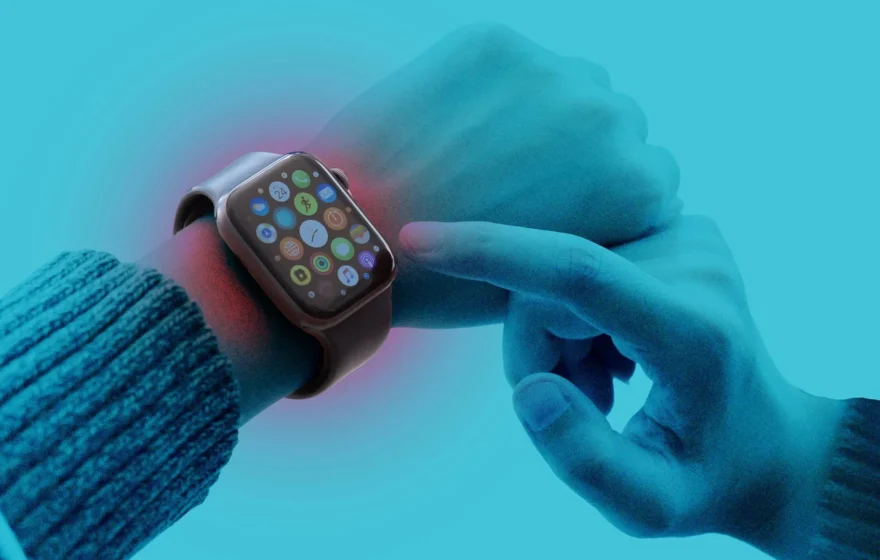
Apple is bringing two new artificial intelligence features to its latest smartwatches that can listen to the conversations around you, remember what was said and turn it into written summaries. Siri Recap and Live Rewind are arriving with the first developer test version of watchOS 27.3 for the Apple Watch Series 12 and the Apple Watch Ultra 4, raising questions about how much a device on your wrist should be allowed to hear.
Both features belong to Apple’s Audio Intelligence system, first shown off in September. Two parts of that system, Sound Recognition and Shazam-based Music Recognition, were available from the start. Siri Recap and Live Rewind, the two features that listen to human speech, are only now reaching users.
Apple Watch Can Now Remember Your Conversations
Siri Recap is the more talked-about of the two features because it can take notes from your conversations automatically, without you pressing anything. Once it is switched on, the watch listens to the conversations around you and, after each one, produces a title, a short summary and a list of key points. Those summaries appear in the Recaps section of the Siri app, where you can read them later.
Apple is careful to say what the feature does not do: it produces no full word-for-word transcript, and it does not identify who said what. It is also designed to leave out sensitive information, including financial details and government-issued identification numbers. Summaries are deleted automatically after seven days unless you choose to save them. The idea is to help you stay present in a conversation and then give you a brief record afterwards.
Users Can Control When Apple Watch Listens
One of the first questions people ask is whether the features can be switched off, and Apple says they can. Both are optional and stay switched off until the owner turns them on. Users can set a schedule, so it might run only during office hours and never at night, and switch it on or off from Control Center. The question that remains is whether people standing nearby, who have no control over someone else’s watch, will feel the same way.
Live Rewind Lets Users Check What Someone Just Said
The second feature, Live Rewind, is narrower and easier to understand. It lets you look back at the last fifteen seconds of a conversation. If you missed a detail, perhaps a waiter reading out the day’s specials or someone giving you directions, you double-press the Digital Crown and a short piece of text appears on the watch face showing what was just said. If you do nothing, the snippet disappears about thirty seconds after the watch screen dims. To make the moment visible to the people around you, switching on Live Rewind plays an audible chime, even in silent mode, and the screen shows a full-screen animation with a microphone indicator. In a crowded room, though, they may easily pass unnoticed.
Apple Says It Does Not Store Audio Recordings
The strongest claim Apple makes is that no audio recordings are created or kept. Raw sound, the company says, is processed inside a hardware-isolated part of the Apple Watch’s S11 chip called the Secure Exclave, and on the paired iPhone, and is deleted immediately afterwards. According to Apple, neither the operating system, nor installed apps, nor users, nor Apple itself can reach that raw audio. Live Rewind works entirely on the device. Siri Recap is different: a condensed version of the conversation transcript is sent to Apple’s Private Cloud Compute system, which produces the final summary and then deletes it. None of this involves uploading a conventional audio recording, Apple insists. The concern is not only about the wearer: a watch that listens will inevitably pick up the voices of other people, who may have no idea that the device beside them is taking notes. That is the same unease that has followed other wearable devices.
Which Apple Watches Support These Features?
Siri Recap and Live Rewind will only work on the newest watches: the Apple Watch Series 12 and the Apple Watch Ultra 4, paired with a compatible iPhone running Apple Intelligence and Siri AI. Supported phones include the iPhone 16 and newer models, except the iPhone 16e. The features currently support English only, and they are not available to users under thirteen. They will also not launch in the European Union at first, because Siri AI is not yet available there. Both features are in the first developer beta of watchOS 27.3 for now, with a public test version expected before a wider release.
These features mark a clear step in the direction Apple has been moving for several years, from a watch that counts steps and measures heartbeats to one that follows the flow of daily life. The convenience is real: a summary of a meeting you barely had time to attend, a name you would otherwise have forgotten. The trade-off is equally real, and it is one that each owner will have to weigh for themselves, and that the people around them may not get a say in at all.
